







Creating a home office that is both comfortable and productive can significantly enhance your work-from-home experience. Whether you are working remotely full-time or occasionally need a dedicated space for focused work, designing an effective home office helps maintain focus and reduces stress. This guide offers practical tips to set up a workspace that supports your productivity while keeping comfort in mind.
Choose the Right Location
Selecting the perfect spot for your home office is the foundation of a productive workspace.
Consider Natural Light
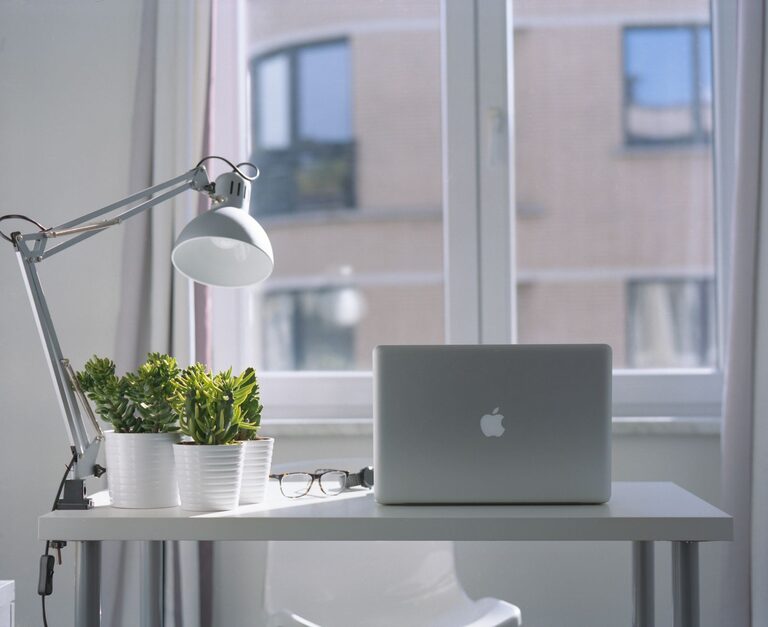
Place your desk near a window if possible. Natural light can improve mood and energy levels. Avoid glare on your computer screen by positioning your monitor perpendicular to the window.
Minimize Distractions
Choose a quiet corner or room where you won’t be easily disturbed by household noise or traffic. This helps maintain concentration during work hours.
Assess Space and Privacy
Make sure the space is large enough for your equipment and provides privacy when needed, especially if you participate in video calls.
Invest in Ergonomic Furniture
Comfort is crucial when spending several hours sitting at a desk.
Select a Supportive Chair
Invest in an ergonomic chair with adjustable height, lumbar support, and comfortable cushioning. Good posture reduces the risk of back and neck pain.
Opt for a Suitable Desk
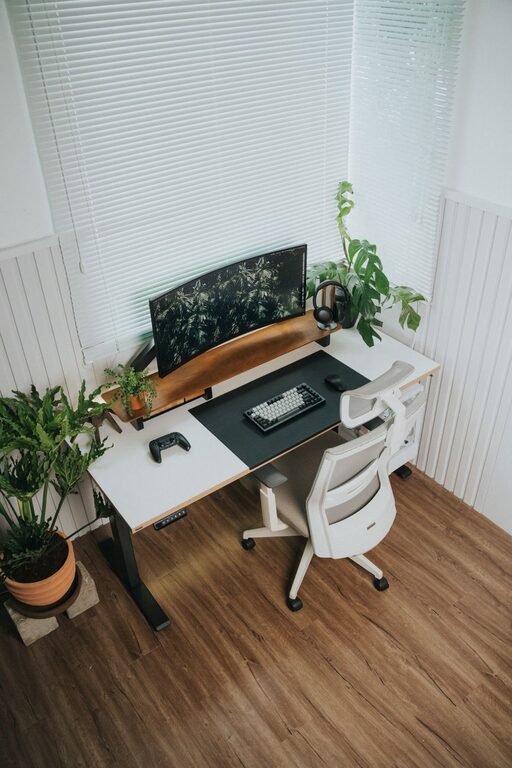
Choose a desk that fits your space and suits your work needs. Adjustable desks can also allow you to alternate between sitting and standing.
Position Your Equipment Ergonomically
Your monitor should be at eye level, roughly an arm’s length away, and your keyboard and mouse positioned to keep your wrists straight.
Organize Your Workspace Efficiently
A tidy space promotes clearer thinking and reduces time spent searching for materials.
Use Storage Solutions
Incorporate shelves, drawers, or organizers to keep documents and supplies neatly stored. Label containers for easy access.
Keep Only Essentials on Your Desk
Limit items on your desktop to those you regularly use to avoid clutter.
Manage Cables and Chargers
Use cable organizers or clips to keep wires tidy and safe from tangling.
Personalize Your Space
Adding personal touches can make your home office feel inviting and inspiring.
Add Greenery
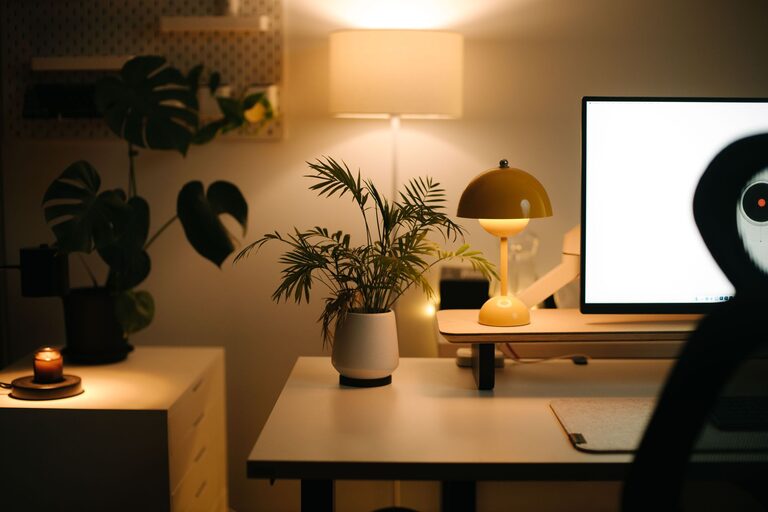
Houseplants improve air quality and create a calming environment.
Incorporate Artwork or Photos
Display items that motivate and uplift you, but avoid overcrowding your space.
Choose Calming Colors
Soft, neutral colors or gentle pastels can create a relaxing backdrop conducive to focus.
Optimize Lighting
Proper lighting protects your eyes and helps maintain alertness.
Use Adjustable Desk Lamps
A desk lamp with adjustable brightness can provide focused light for detailed tasks.
Balance Ambient Lighting
Ensure your room has sufficient general lighting to reduce eye strain.
Avoid Screen Glare
Position lights to minimize reflections on your computer screen.
Establish Boundaries and Routines
Creating clear work habits supports productivity in a home office.
Set Work Hours
Define your working schedule and communicate it with household members.
Take Regular Breaks
Incorporate short breaks to stretch and rest your eyes, which helps maintain focus.
Use a Dedicated Workspace
Working only in your home office space helps your brain associate the area with productivity.
Incorporate Technology Wisely
Having the right tools can streamline your work process.
Reliable Internet Connection
Ensure your internet speed supports video calls and online tasks without interruptions.
Use Quality Accessories
Consider investing in a good headset, webcam, and keyboard to enhance your work experience.
Backup Important Files
Utilize cloud storage or external drives to keep your data safe.
Maintain Cleanliness and Air Quality
A clean environment contributes to physical and mental well-being.
Regular Cleaning
Dust and vacuum your workspace regularly to keep the air fresh.
Air Circulation
Open windows when possible or use an air purifier to maintain air quality.
—
By taking time to design your home office with these tips in mind, you create a space that not only looks inviting but also supports your productivity and well-being. A thoughtful home office setup can transform your daily work routine and help you perform to the best of your ability while enjoying the comforts of home.