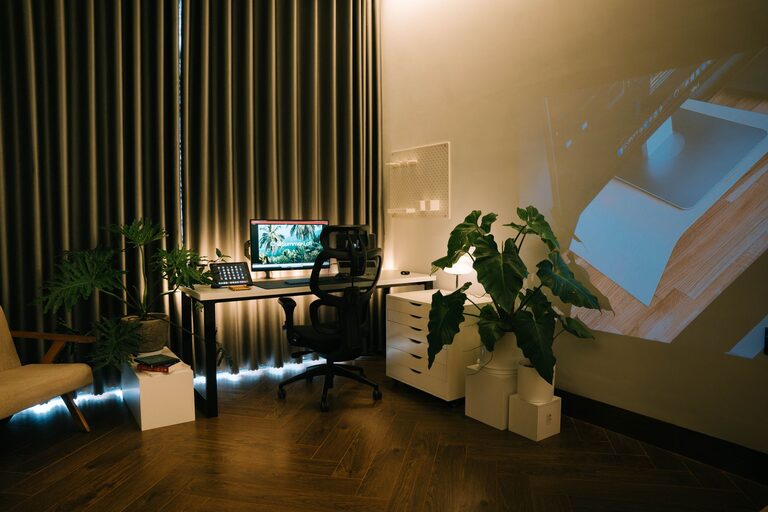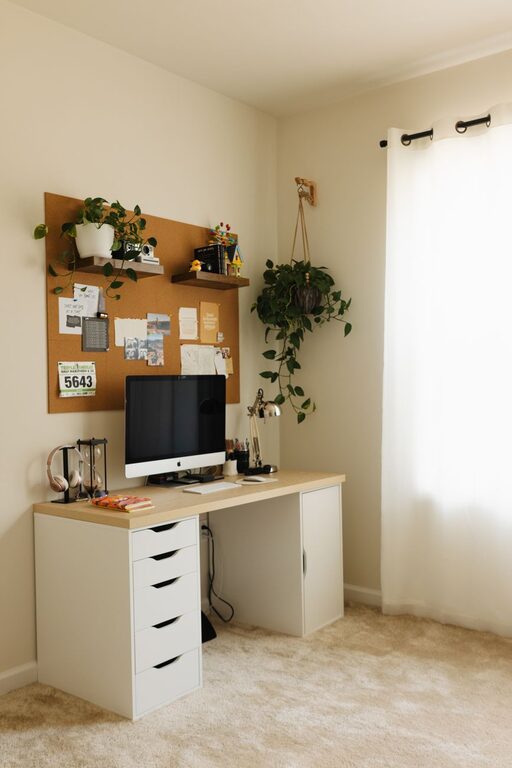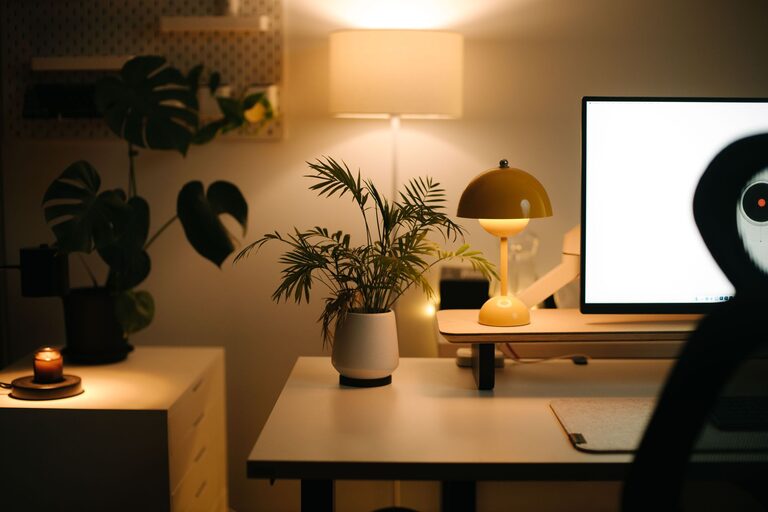

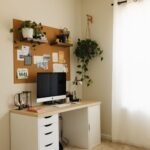







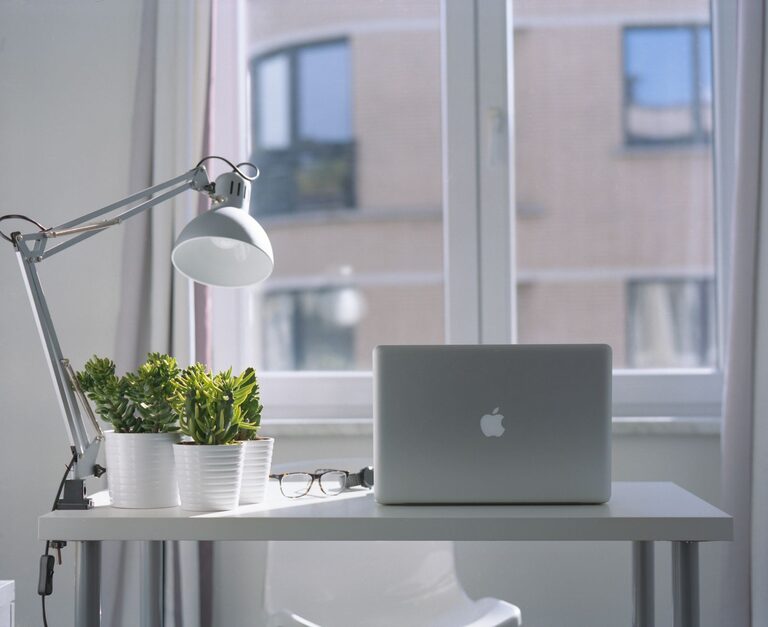
Creating a home office that supports your productivity and keeps you motivated can make a big difference in your workday. Whether you work from home full-time or occasionally need a quiet spot for focused tasks, an organized workspace helps you stay on track and reduce stress. Below are practical tips to help you design and organize an efficient home office space tailored to your needs.
Choose the Right Location
Selecting the best spot for your home office is the foundation of a productive workspace.
– Pick a quiet area: Look for a space with minimal distractions where you can focus easily.
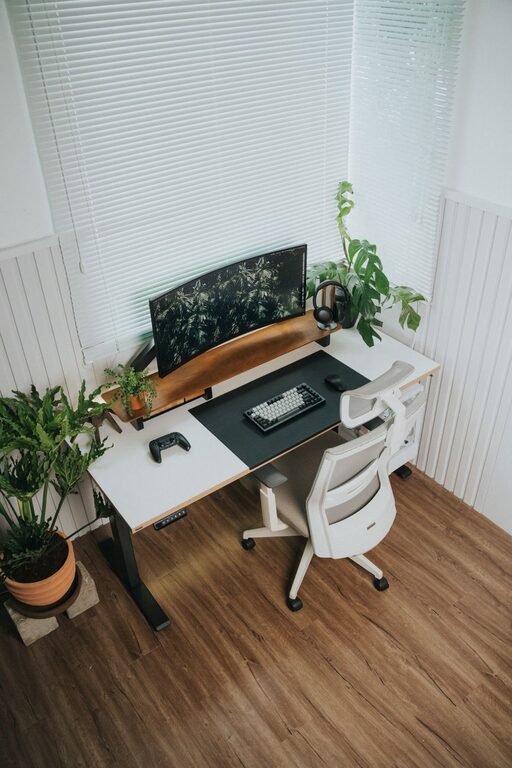
– Maximize natural light: Set up near a window, if possible, to benefit from natural daylight, which can improve mood and concentration.
– Consider accessibility: Make sure the location is convenient and that you can comfortably access necessary equipment and supplies.
Invest in Ergonomic Furniture
Comfort is key when you’re spending long hours at your desk.
– Ergonomic chair: Choose a chair that supports your back and promotes good posture.
– Adjustable desk: If possible, use a desk that can adjust between sitting and standing to reduce fatigue.
– Proper desk size: Ensure your desk has enough surface area for your computer, documents, and supplies without feeling cramped.
Declutter and Organize Your Desk
A clean desk helps maintain focus and efficiency.
– Use trays and organizers: Sort papers and supplies into designated trays or containers to avoid piles.
– Limit items on your desk: Keep only essential tools and remove unnecessary clutter.
– Manage cables: Use cable clips or sleeves to keep cords neat and prevent tangling.
Optimize Storage Solutions
Good storage helps keep your workspace tidy.
– Shelving units: Install shelves to store books, binders, and equipment, freeing up desk space.
– Filing cabinets: Use filing cabinets or folders to organize important documents and paperwork.
– Desk drawers: Utilize drawers for small items like stationery to keep them hidden but accessible.
Establish Zones for Different Tasks
Dividing your workspace into zones can improve workflow.
– Work zone: The main area for computer work and meetings.
– Reference zone: Space for books, manuals, or notes you need regularly.
– Creative zone: If you do brainstorming or craft work, allocate a spot for tools and scratch paper.
Personalize Your Space Wisely
Adding personal touches can make your home office inviting and motivating, but avoid overdecorating.
– Inspiring decor: Choose artwork or photos that uplift your mood.
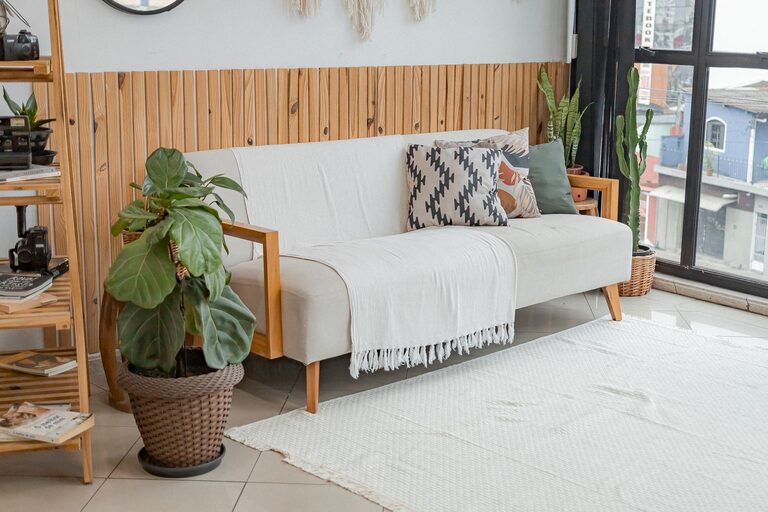
– Greenery: Add plants to improve air quality and bring a sense of calm.
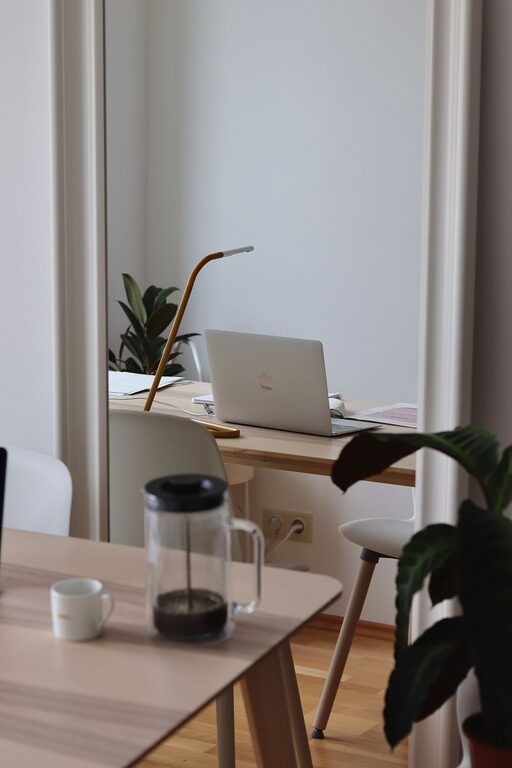
– Comfort items: A cozy rug or a small desk lamp can make the space more pleasant.
Optimize Lighting
Proper lighting reduces eye strain and boosts energy levels.
– Layer lighting: Combine overhead lights with task lighting, such as desk lamps, to illuminate your workspace correctly.
– Adjust brightness: Use adjustable lighting that suits different times of day and tasks.
– Avoid glare: Position screens and lights to minimize glare on monitors and surfaces.
Minimize Distractions
Keeping distractions at bay helps maintain focus.
– Use noise-canceling headphones: They can block out background sounds.
– Set clear boundaries: Let household members know your work hours.
– Turn off non-essential notifications: Silence unnecessary phone or computer alerts during work periods.
Maintain Regular Cleaning and Organization Habits
A tidy space requires ongoing effort.
– Daily tidy-up: Take five minutes at the end of each day to organize your desk.
– Weekly reset: Clean your office area thoroughly once a week.
– Review supplies: Periodically declutter and restock needed items.
Use Technology to Stay Organized
Leverage digital tools to manage your workload.
– Calendar apps: Schedule meetings and deadlines.
– Task management apps: Track progress on projects.
– Cloud storage: Keep important files organized and accessible from anywhere.
—
Setting up a productive home office doesn’t have to be overwhelming. With thoughtful planning and consistent habits, your workspace can inspire focus and efficiency every day. Start with these tips and tailor your environment to fit how you work best.