





Creating a home office that is both cozy and productive can make a big difference in how you feel and work throughout the day. Whether you’re working remotely full-time or need a dedicated space for occasional tasks, setting up an environment that balances comfort and efficiency can help you stay focused and motivated.
In this post, we’ll explore practical tips to design a home office where you enjoy spending time and get your work done effectively.
Choose the Right Location
Find a Quiet Spot
Pick a space in your home that is away from high-traffic areas and distractions. A quieter room or corner helps reduce noise and interruptions, allowing you to concentrate better.
Consider Natural Light
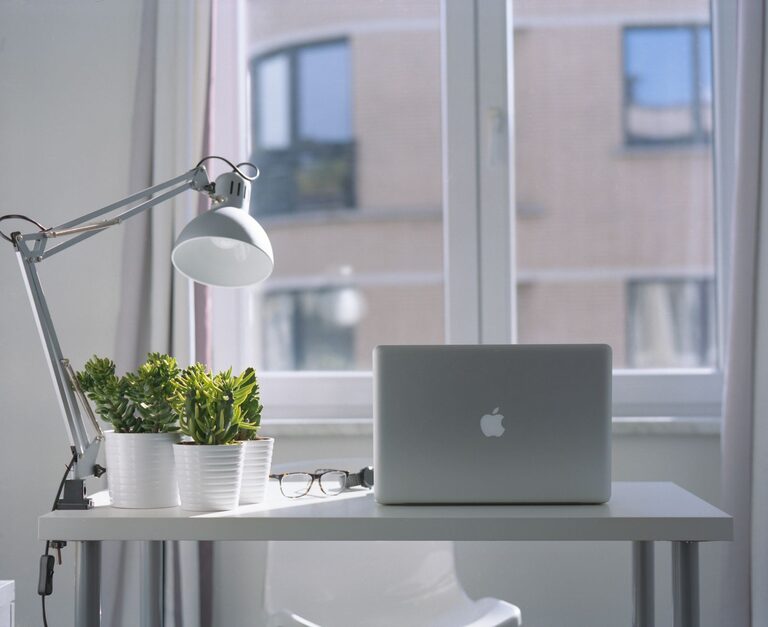
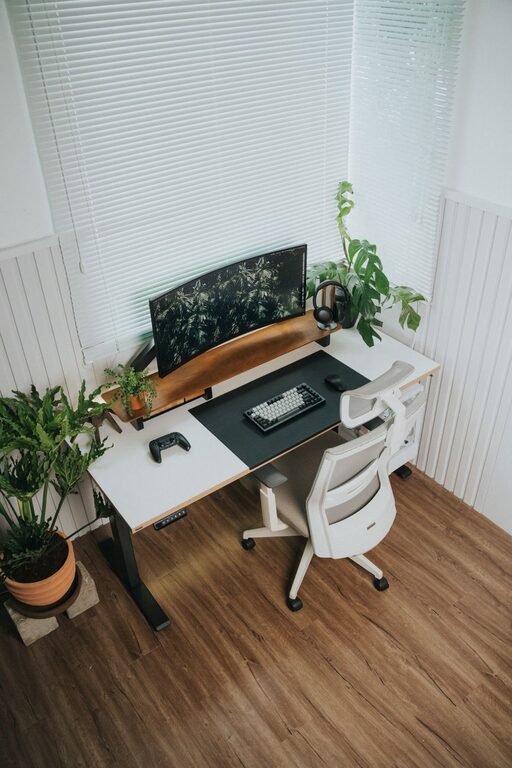
Natural light can improve your mood and energy. Set up your desk near a window if possible, but avoid glare on your computer screen by positioning it thoughtfully.
Invest in Comfortable Furniture
Ergonomic Chair
A good office chair supports your posture and helps prevent discomfort during long periods of sitting. Look for adjustable features like height, backrest angle, and lumbar support.
Functional Desk
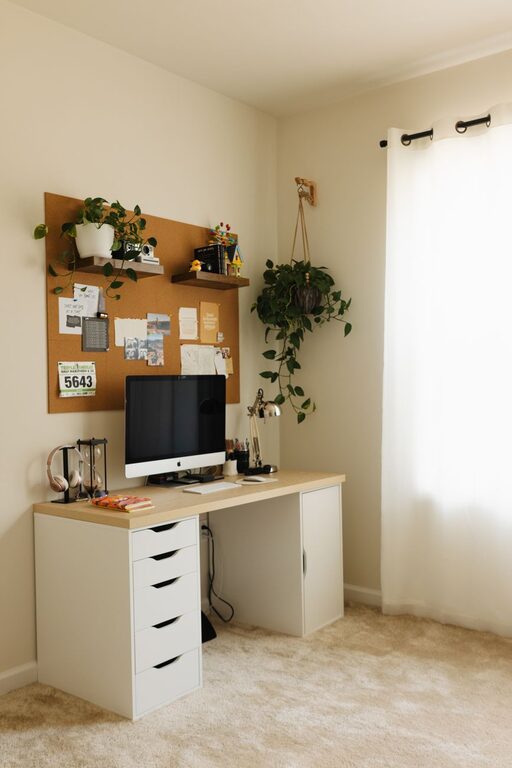
Select a desk that fits your space and work needs. If you have room, a larger surface lets you spread out materials. For smaller spaces, consider a compact or foldable desk.
Organize Efficiently
Declutter Regularly
Keep your workspace tidy by removing unnecessary items. A clean area reduces distractions and makes it easier to find what you need.
Use Storage Solutions
Incorporate shelves, drawers, or organizers to keep supplies and documents in order. This helps maintain a streamlined workspace and saves time when searching for things.
Add Personal Touches
Decorate with Intention
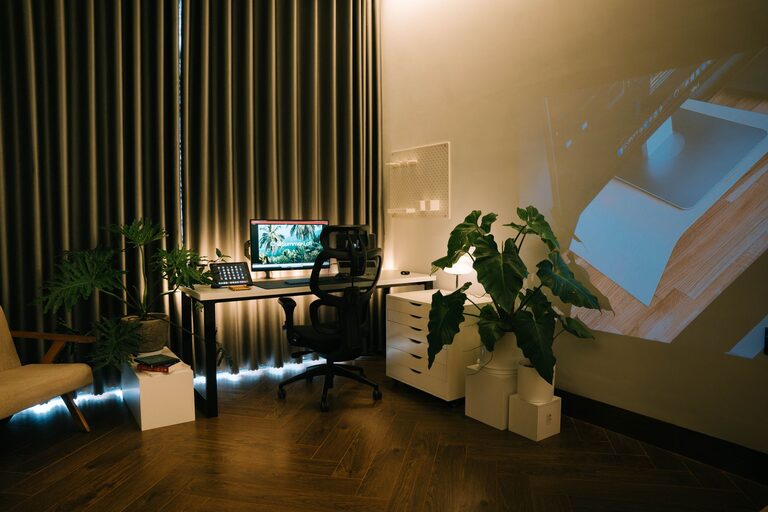
Choose decor that inspires you without overwhelming the space. Plants, art prints, or meaningful objects make your office feel welcoming and personalized.
Choose Soothing Colors
Colors can influence your mood. Soft, neutral tones promote calmness, while brighter colors like yellow or green can stimulate creativity and energy.
Optimize Lighting
Use Layered Lighting
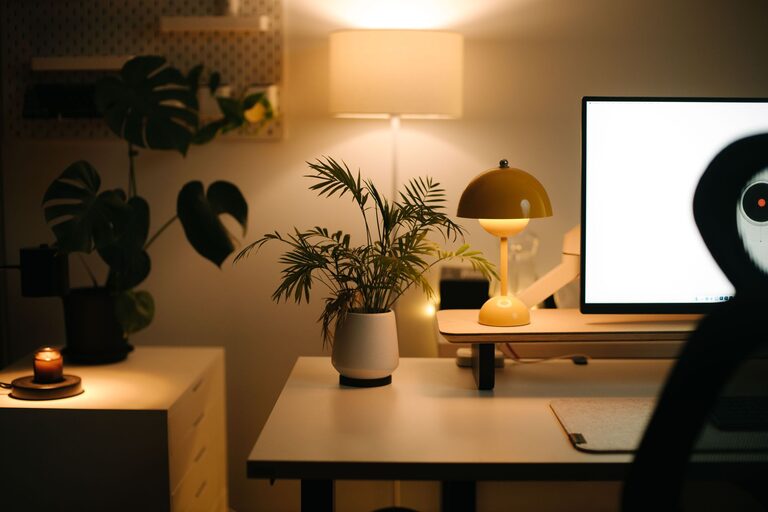
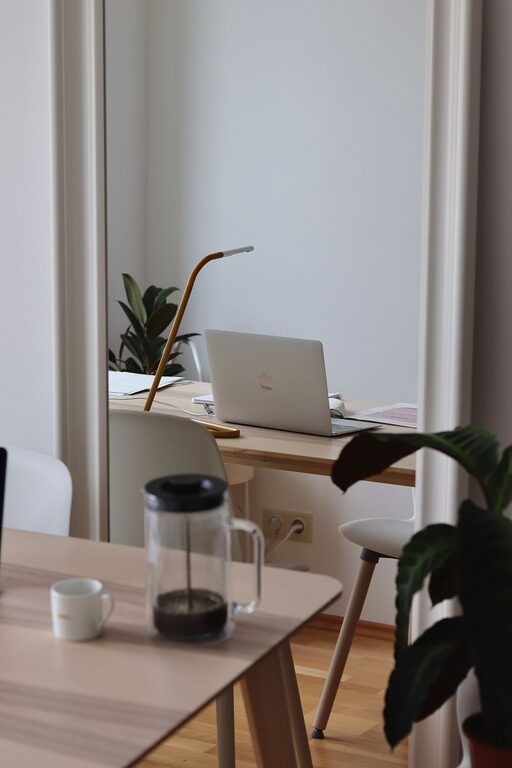
Combine natural light with different types of artificial light—ambient, task, and accent lighting. A desk lamp with adjustable brightness lets you focus light where needed.
Avoid Harsh Lighting
Harsh overhead lights can cause eye strain. Consider softer bulbs or diffusers to create a comfortable lighting environment.
Manage Technology Setup
Arrange Cables Neatly
Use cable organizers or clips to prevent tangled wires and maintain a clean look. This reduces frustration and potential hazards.
Invest in Reliable Equipment
Ensure your computer, printer, and other tools are dependable. Slow or faulty equipment interrupts workflow and adds stress.
Incorporate Break and Movement Areas
Create a Spot to Relax
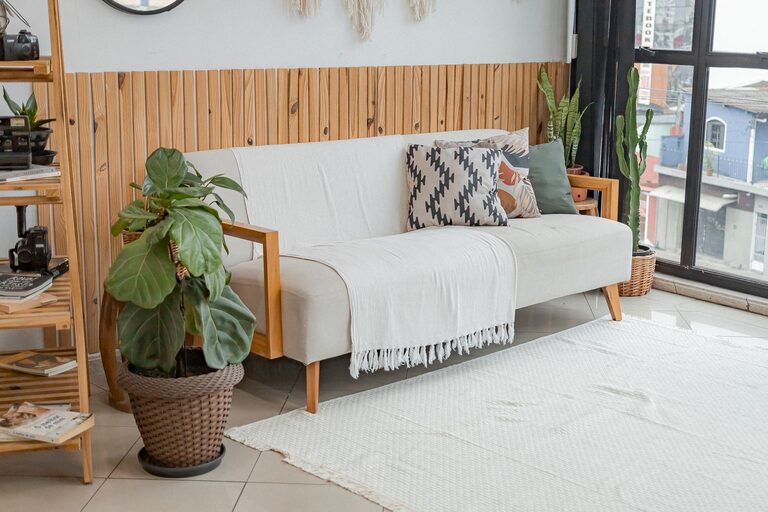
If possible, add a small area with a comfortable chair or cushions where you can take short breaks. Changing your position helps refresh your mind.
Encourage Movement
Stand up, stretch, or walk around regularly. Consider a sit-stand desk for flexibility that promotes better posture and circulation.
Establish a Routine
Set Work Hours
Define start and end times for your workday to create boundaries between professional and personal time, enhancing productivity.
Take Regular Breaks
Short breaks during the day help maintain focus. Use techniques like the Pomodoro method (25 minutes work, 5 minutes break) to stay energized.
Control Noise and Distractions
Use Noise-Canceling Solutions
If ambient noise is an issue, try noise-canceling headphones or white noise machines to minimize distractions.
Communicate Boundaries
If you live with others, set clear expectations about your work hours and workspace boundaries to reduce interruptions.
—
Creating a cozy and productive home office is about balancing comfort with smart organization and good habits. By thoughtfully designing your space and routine, you can make working from home an enjoyable and efficient experience. Remember that your needs may change over time, so be open to adjusting your setup as you discover what works best for you.